I Built My Own Analytics Tool. Here's How and Why.
By Gaurav Nardia • 13.Mar.2026

One day I was visiting Peerlist's blog written by the Akash Bhadange (Peerlist Founder) and saw the name Plausible that caught my eye. I opened it and saw it's an analytics tool where we can see the traffic we are getting to our websites.
And then for few next day I saw different kind of analytics tool and tried some, but I don't know why I wasn't able to feel these tools, like some tools have bad UIs, some are expensive and don't look modern, and wherever I go to them, my mind says just exit it, seriously.
But that analytics core idea really excited me and really wanted to learn this technology, How these analytics tools detect data from websites so I decided to build an analytics tool in a way that makes users feel about the product, looks modern and affordable. So I learned the core technology to build this and then I started building Puffin Analytics. I learned a lot about the analytics tool while building this.
So I Started Building.
First decision was the database. Analytics tools handle a LOT of writes, every page visit is an event. I needed something fast, scalable and affordable. I chose Neon(Postgres), I should choose Click House for this tool but I didn't have money to pay them. So I had to choose which is free and chose Neon(Postgres). I wanted to build MVP as soon as possible. And when it comes to MVP. Who can forget Nextjs. So I built this in Nextjs. These are the tech stack I used for V1 of Puffin Analytics.
The hardest part was the Tracking Script. This is the core of any analytics tool. Without this, nothing works. The tracking script is a small JavaScript snippet that users paste into their website's HTML with a data-api-key attribute tied to their site.
When the script loads, it reads the API key, captures the current page path, referrer, and user agent, then immediately fires an event to my "/api/event" endpoint using navigator.sendBeacon, which is perfect for analytics because it sends data asynchronously without blocking the page load or slowing down the user's experience. The interesting part was handling SPA navigations. In a normal website, every page load fires the script fresh. But in Next.js or React apps, the page doesn't actually reload when you navigate, just the URL changes. So I had to detect route manually. I did this polling "location.pathname" every 500ms and also listening to the popstate event. Whenever the path changes, it fires a new tracking event automatically.
I also handled referrer tracking smartly. If a user lands on your site from a ?ref= query param (like from a newsletter or campaign link), it picks that up as the referrer instead of the browser's default referrer. This gives you much more accurate source tracking.
Once real challenge I hit in production that the script URL as loading from puffinanalytics.com which was doing a 307 temporary redirect to www.puffinanalytics.com. That meant every visitor was making two requests just to load the script. A user actually caught this in production and flagged it. I fixed it within minutes by updating the DNS A record and setting the correct production domain in Vercel. Shipping in public keeps you sharp.
This is the V1 Architecture (MVP).
Here's how data flows in Puffin Analytics from start to finish:
- User pastes the script on their website
- A visitor lands on their site and script fires instantly
- Script sends a payload to /api/event with path, referrer and user agent
- API validates the API key, identifies the site, parses the user agent for browser, OS and device info
- Event gets stored in Neon Postgres
- Dashboard queries the DB and shows the owner their traffic
This is Simple. No third party data brokers. No cookies. No GDPR headaches.
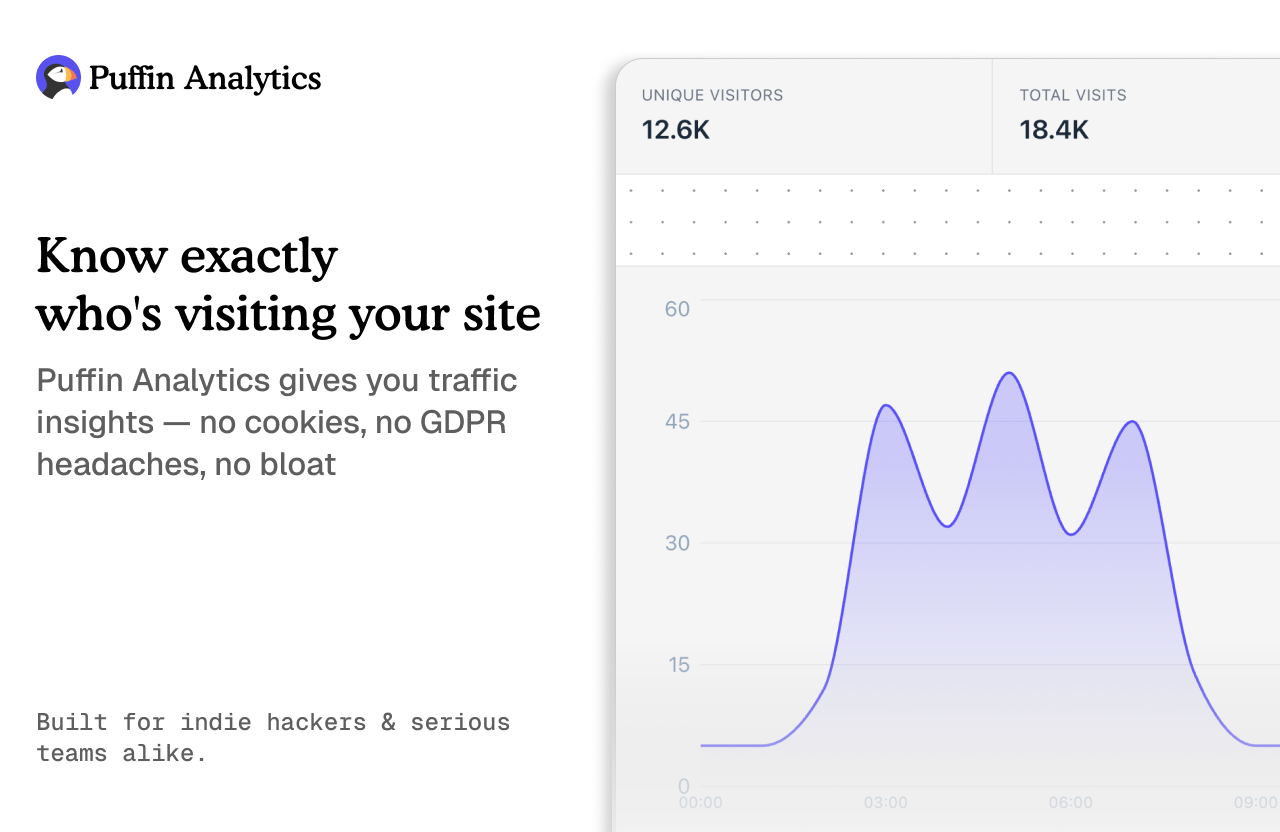
In V1, Puffin Analytics ships with:
- Visitor tracking
- Top pages, referrers, browsers, devices and countries
- Unique visitors vs total visits
- Clean, minimal dashboard that doesn't overwhelm you
What I Learned and What's Next.
- Building Puffin taught me more than any tutorial ever could. A few honest lessons that I learned Ship fast, fix in public. The 307 redirect bug was caught by a real user within hours of posting. That feedback loop is invaluable and humbling at the same time.
- ClickHouse would have been better for analytics at scale but Neon got me to MVP fast and free. Right tool for the right stage.
- People care about design. The first comment I got was "love the design, well done." Not the features. Not the tech stack. The feeling. That told me a lot.
In V2, I will focust on:
- Robust bot filtering
- Custom event tracking
- Weekly email reports
- Better performance at scale
Give Puffin Analytics a try. Would love to hear what you think.